Page Control Parameters:
Page Control Roles:
Outlined below is how to Login on to the Charnwood u3a website for the first time. The same instructions apply if you subsequently need to reset your password.
1. You will need your Usename. This will have been provided in a membership email and is usually your surname followed by 1 initial (sometimes 2) eg SmithA, SmithAB. Please contact our Membership Secretary or Web Manager if you would like a reminder.
On the Login page click on Forgot Password.
2. This will take you to the Password Reset page.
(You have to reset your Password even though you are doing this for the first time!)
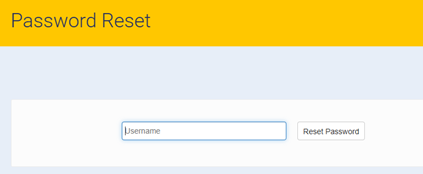
3. Enter your Username and click on Reset Password. An email is then sent to you with a link. Click on this link which opens:-
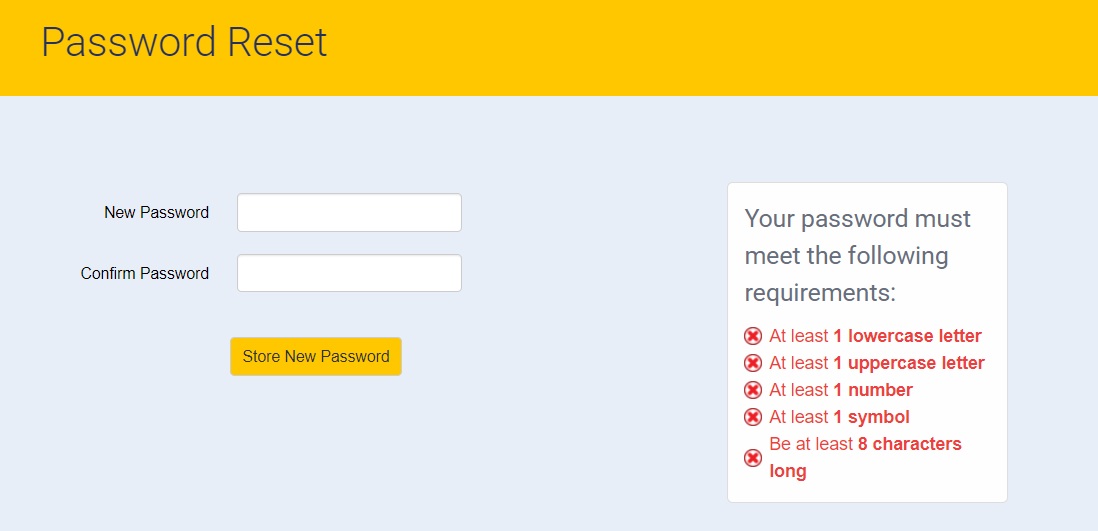
4. Type in a password in the New Password box which conforms with the requirements listed in red eg Psle12#4
Then type it in again in the Confirm Password box then click on the Store New Password button.
5. Return to the Charnwood u3a website - charnwoodu3a.org.uk/ Click on Login and the next page contains the LogIn box.
6. Type in your Username and the Password that you have just created then click on Login.
This takes you to our Home page which now has Me and Logout added to the Menu bar at the top.
When you finish your session select Logout in the Menu bar.